Step-by-step guides on AI video and image generation at scale.
Compare creator tools by workflow: voice production, one-off creation, and batch image or video generation.
Connect an MCP client to GenBatch for image generation, video generation, job polling, and credit-balance checks.
GenBatch is a hosted image generation MCP server. Paste one URL into Claude or use one key in ChatGPT, Gemini CLI, Cursor, and other MCP clients. No install, pay per use.
How to turn a spreadsheet or CSV prompt list into a queued batch of AI videos without writing code.
Reference guide for generating images with the GenBatch REST API and MCP server using a single revocable access key charged to your credits.
GenBatch image generation now runs inside Claude via MCP and from your own code via a REST API, charged to your GenBatch credits. Pay per use or subscribe monthly.
Compare GPT Image 2 vs Nano Banana 2 in GenBatch. Choose an image model, aspect ratio, and route for a prompt-list or CSV image batch.
Plan a pay-per-use batch video workflow with current provider terms, credit pricing, and clear delivery expectations.
Use a batch workflow when a complete prompt list matters more than manually refining one image or video at a time.
Compare the best tools for generating many AI images or videos at once, including GenBatch, API platforms, subscriptions, and one-off creative tools.
Use ChatGPT or Claude to write an image-prompt list, then use a batch workflow to generate and review the set.
Compare single-image creative tools with a credit-based batch workflow for prompt lists and CSV production.
Use a batch workflow when a prompt list or CSV matters more than iterating on one image in a chat or canvas.
Compare direct video tools with a batch workflow for prompt lists, image animation, grouped review, and delivery.
Choose a creator suite for all-in-one production or a batch workflow when prompt lists and grouped delivery are the job.
Turn scripts, notes, and prompt lists into structured batch inputs for image and video workflows.
How to compare pay-per-use AI video workflows without relying on stale model, free-tier, or per-video price claims.
Turn a scene list or CSV into a reviewable batch of AI video jobs without hard-coding provider limits or old pricing.
Understand visible and invisible AI-video provenance marks, and choose a compliant workflow before publishing or editing an export.
Use an AI assistant to create a structured image-prompt list, then review and generate the approved set in a batch workflow.
A practical framework for comparing AI video generators by output control, workflow, policy, and current provider pricing.
Create a structured prompt list, import it into GenBatch Bulk Visuals, and review image results as a batch.
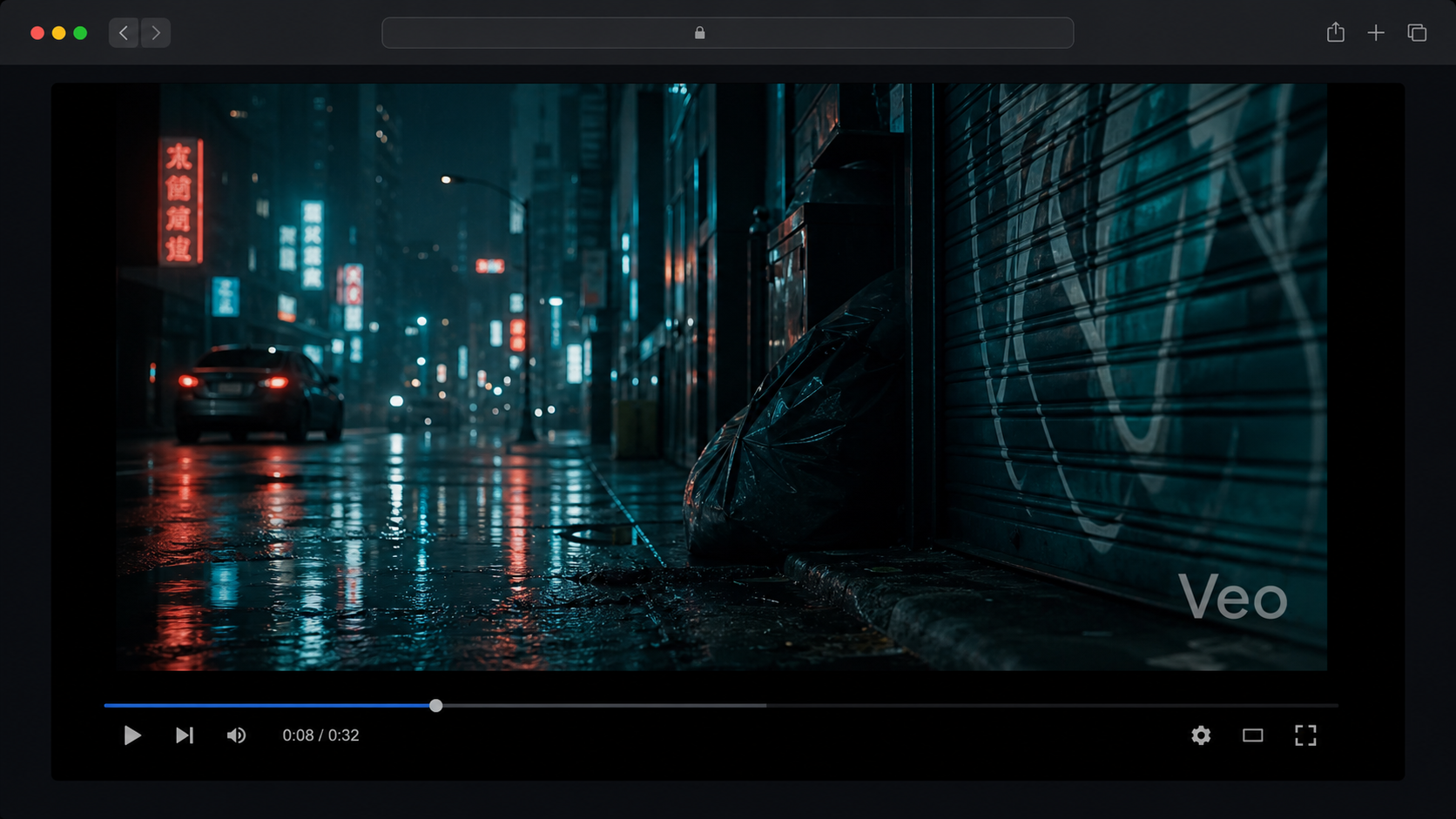
An independent overview of Google's Veo 3.1 video model, its creative strengths, and questions to ask before choosing a video-generation workflow.