Comparison13 min read

Nano Banana 2 vs GPT Image 2: Which Wins for Bulk?

Nano Banana 2 vs GPT Image 2: which AI image model should you pick? Compare style, speed, and how to batch up to 200 photos in 1-2 minutes on GenBatch.

Open GenBatch Bulk Visuals and you get one small decision before you run anything: GPT Image 2 or Nano Banana 2. Those are the only two image models in the dropdown, and they behave very differently once you stop generating one picture and start generating a hundred.

Single-image quality is a coin flip most of the time. The real question is which model to run when you need 50 thumbnails, 200 product shots, or a full season of B-roll by this afternoon. That is what this comparison is actually about.

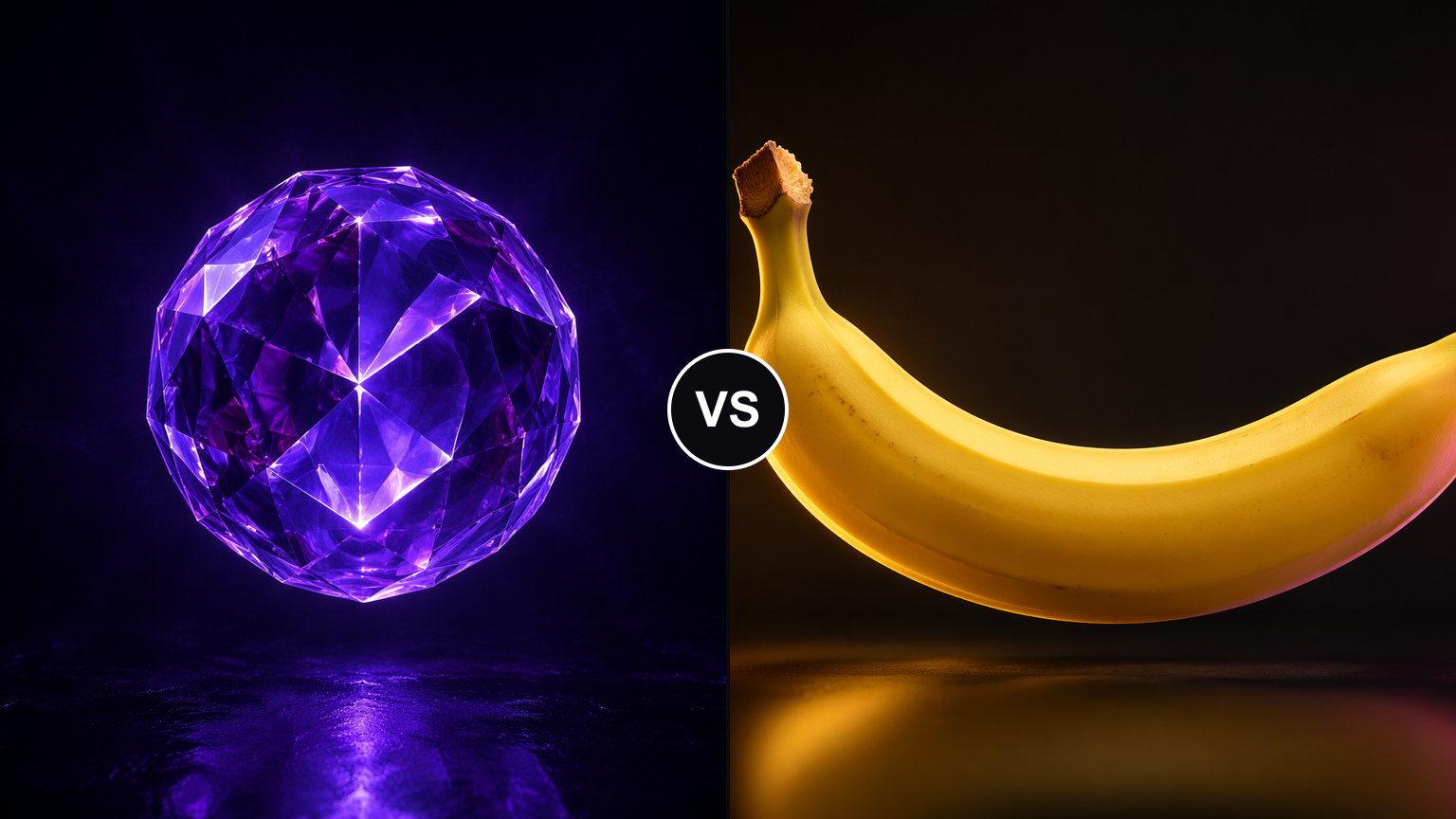
GPT Image 2 versus Nano Banana 2, a glowing violet crystalline orb facing a warm-lit banana

TL;DR

  • GPT Image 2 (OpenAI, April 2026) is the reliable workhorse. Near-perfect in-image text, strong layouts, and it clears large batches fast on GenBatch.
  • Nano Banana 2 (Google, February 2026) has a distinct cinematic, camera-shot look. Great for photoreal hero shots and consistent characters.
  • On GenBatch, GPT Image 2 can generate up to 200 photos in 1-2 minutes because the batch runs in parallel. Nano Banana 2 is slower once a batch gets large.
  • Both cost 1 credit per image on GenBatch. Same price, so pick on style and speed.
  • Default pick for volume work: GPT Image 2. Reach for Nano Banana 2 when a handful of images need that photographic, filmic finish.

Run your first batch on either model

Pick GPT Image 2 or Nano Banana 2 in GenBatch Bulk Visuals, paste your prompt list, and generate the whole set with day-pass pricing.

See Pricing

Nano Banana 2 vs GPT Image 2 at a glance

Here is the short version before we get into each model.

Notice the split. Nano Banana 2 is quicker on a single image, but GPT Image 2 pulls ahead when the job is a large batch. More on why below.

What is GPT Image 2?

GPT Image 2 is OpenAI's image model, released April 21, 2026, and rolled into ChatGPT as "Images 2.0." It is the first OpenAI image model with reasoning built into the pipeline. Before it draws, it can plan the layout, check references, and self-correct. In practice that means it is unusually good at the things older models botched.

Text is the headline. GPT Image 2 hits roughly 98 to 99 percent character-level accuracy on in-image text, and not just in English. It handles Latin, CJK, Hindi, and Bengali scripts without turning your caption into gibberish. If your images need a real headline, a price tag, a label, or a UI mockup, this is the model that gets the letters right.

It also holds up on structure. Diagrams, ordered panels, product layouts with text zones, anything where placement matters. That is why GenBatch labels it "more reliable, better image quality" in the picker and sets it as the default. Honestly, for most batch work you can leave it on GPT Image 2 and never touch the dropdown.

The one trade-off: at high quality, a single GPT Image 2 render is not fast. Call it 30 to 60 seconds for a complex scene. On a single image that feels slow. In a parallel batch, it stops mattering.

A glowing violet crystalline orb representing GPT Image 2's precise, high-detail output

What is Nano Banana 2?

Nano Banana 2 is Google's image model, launched February 26, 2026, under the technical name Gemini 3.1 Flash Image. It is built for speed and for a specific aesthetic: photographs that look like they came off a camera, not out of a generator.

Where it shines is realism. Skin, fabric, metal, food, cinematic lighting, the small texture details that sell a product hero shot. It also keeps characters consistent across a project, up to five characters and roughly fourteen objects in one workflow, which is handy for a series where the same person or mascot has to reappear. Every output carries an invisible SynthID watermark and C2PA content credentials, so the provenance travels with the file even though nothing visible sits on top of the image.

On a single image, it is quick. Four to ten seconds is normal, and Google's Lite variant pushes that under five. So why isn't it the default for bulk? Because a distinct look and fast single renders don't automatically mean fast at scale, and that is exactly where the two models separate.

A warm, cinematic banana product shot representing Nano Banana 2's photoreal style

The style difference: how they actually look

This is the part most comparisons skip. These aren't two quality tiers of the same picture. They have different taste.

GPT Image 2 leans clean and deliberate. Sharp edges, accurate text, controlled composition, the look you want for thumbnails with captions, ad creatives with copy, infographics, or anything a designer would lay out in Figma. It behaves like a layout-aware assistant.

Nano Banana 2 leans photographic. Warmer light, richer texture, the slightly imperfect feel of a real shot. It behaves like a photographer. For a lifestyle product image or a moody portrait, that finish is the whole point. For a thumbnail that needs the word "SOLD OUT" rendered crisply, it is the wrong tool.

!
Run the same prompt through both once, on a 3-image test, before committing a 200-image batch. You will know within a minute which model's taste fits the project.

Speed at scale: 200 images on GenBatch

Here is where the GenBatch answer diverges from the generic benchmark answer.

A benchmark will tell you Nano Banana 2 is faster, and per single image, it is. But GenBatch doesn't generate your batch one image at a time. It fans the whole prompt list out and processes it in parallel. So the number that matters isn't seconds-per-image, it is how long the entire job takes.

On GenBatch, GPT Image 2 clears up to 200 photos in 1-2 minutes. You paste the list, hit submit, and the full set lands together, ready to preview or download as a single ZIP. Nano Banana 2 runs the same way but slower once the batch grows. For a few dozen images it is fine. Push toward 100 or 200 and GPT Image 2 is the one that finishes while you are still refilling your coffee.

GenBatch model picker set to GPT Image 2 with a 16:9 landscape aspect ratio

So the mental model is simple. Nano Banana 2 wins the 100-meter sprint of a single image. GPT Image 2 wins the marathon of a 200-image batch. For production volume, the marathon is the race you are actually running.

!
Any batch over 3 items uses "Submit & Notify" on GenBatch, so you don't have to sit and watch it. Fire off the 200-image job, close the tab, and grab the ZIP when the notification hits.

Which model should you pick?

Skip the agonizing. The decision comes down to three questions.

  • Do you need a lot of images, fast? GPT Image 2. It is the volume model on GenBatch, and it is the default for a reason.
  • Does the image contain readable text, a layout, or a UI? GPT Image 2. Nothing else gets the letters right this reliably.
  • Do you need a few photoreal, cinematic, camera-shot images, or consistent characters across a set? Nano Banana 2. That filmic finish is its whole identity.

Because both models cost 1 credit per image, this is a pure craft decision. You are not paying a premium either way, so choose the model whose output you actually want.

!
Mixed project? Run the text-heavy thumbnails as one GPT Image 2 batch, then run the hero shots as a separate Nano Banana 2 batch. Two submissions, right tool for each, still 1 credit per image.

How to bulk-generate with either model on GenBatch

The workflow is the same for both models. The only difference is which one you pick in the dropdown.

Write or generate your prompt list

Start from what you need: thumbnails, product shots, ad variants, character poses. If you don't have a list, ask Claude or ChatGPT to turn your brief into image prompts, one per row. For bigger jobs, ask for a CSV with id,prompt,copies. Our batch image generation guide walks through the format.

Open Bulk Visuals and pick your model

In GenBatch Bulk Visuals, choose GPT Image 2 for volume and text, or Nano Banana 2 for photoreal, cinematic images. GPT Image 2 is selected by default.

Paste the list or import the CSV

Paste your prompts directly, or import a CSV with copies per prompt when you want variations. Messy source text? Run it through Smart Format first. For help shaping prompts, see how to write prompts for batch image generation.

Submit and download the set

Submit up to 200 items in one job. Anything over 3 images queues with Submit & Notify, so you get a notification when it is done. Preview everything on the Results page and download the whole batch as a single ZIP.

If you are coming from single-image tools like ChatGPT or Gemini, this is the missing production step. Those apps are built for one image and a conversation. For the batch layer, see our take on the ChatGPT and DALL-E bulk alternative.

No subscription, same price for both

ChatGPT and Gemini are subscription products, which makes sense if you generate every day. It is wasteful if you only batch during production weeks.

GenBatch runs on day passes and credits. Both GPT Image 2 and Nano Banana 2 cost 1 credit per image, so you buy capacity for the day you are batching a season of thumbnails and pay nothing the rest of the month.

Day PassCreditsPriceGenerationsCost Each
Tester Pass15$0.9915$0.07
Starter Pass100$4.99100$0.05
Creator PassPopular250$9.99250$0.04
Pro Pass400$14.99400$0.04

The pick, in one line

For bulk work, start on GPT Image 2 and stay there unless a project specifically wants Nano Banana 2's photographic look. It is the faster path to 200 finished images on GenBatch, it nails in-image text, and it costs exactly the same. Keep Nano Banana 2 in your back pocket for the hero shots that need to look like they were photographed.

Generate up to 200 images in your next batch

Pick GPT Image 2 or Nano Banana 2 in GenBatch Bulk Visuals and run the whole prompt list as one job, with day-pass pricing and no subscription.

Start Batching