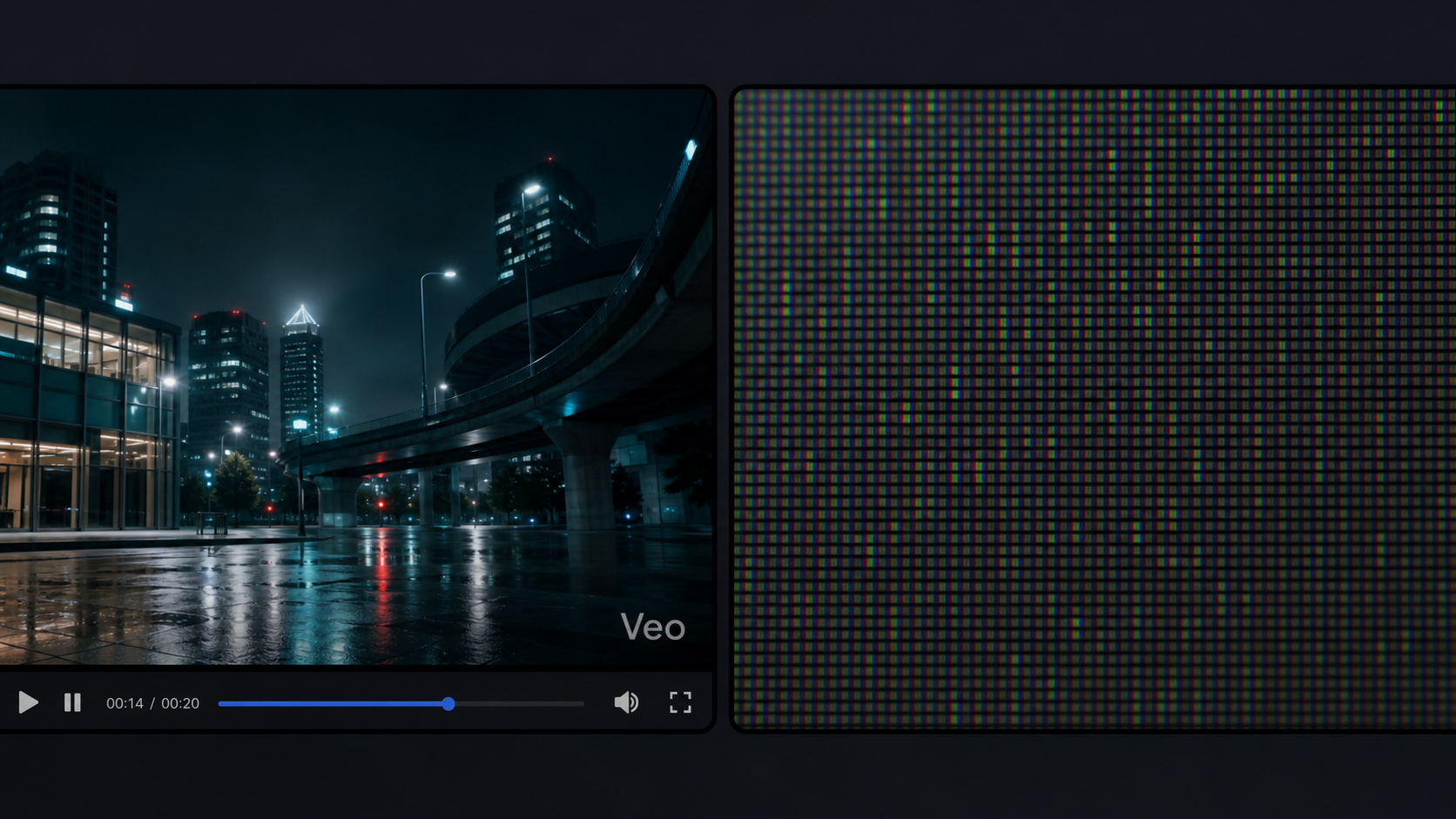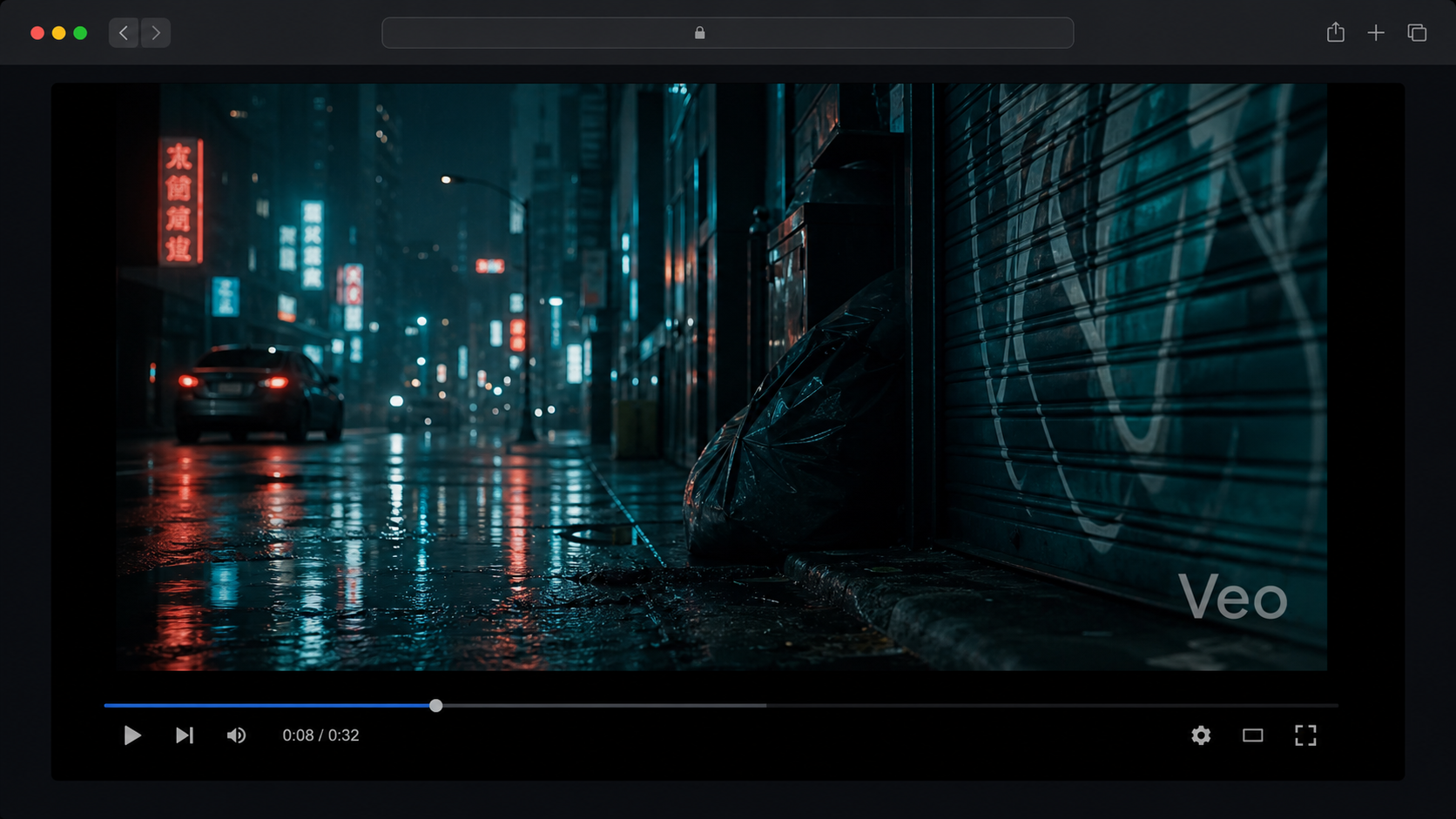
You export your Veo video, play it back, and it looks exactly right. Then you spot it: a semi-transparent "veo" text mark sitting in the bottom-right corner.
Good news: it's removable. There are four free methods, ranging from a 10-second crop to a self-hosted open-source script. This guide covers all of them so you can pick what fits your workflow.
What Is the Veo Watermark?
The visible watermark is a semi-transparent "veo" text overlay in the bottom-right corner of the frame. It shows up on videos generated through the free tier and Google One AI Premium ($19.99/mo). The only official way to get rid of it is upgrading to Google AI Ultra at $249.99/month and generating through Google Flow.
There's also an invisible technical watermark embedded in the pixel data of every Veo video at every tier. You can't remove it with any post-processing tool, but it's not visible and doesn't change how the video looks. Everything in this guide is about the visible text mark.
For more on how Veo works and what it can generate, see our Veo 3.1 guide.

Method 1: Crop or Zoom In
The simplest approach. No uploads, no accounts, no quality loss from re-encoding. You're just telling your video editor to show a slightly tighter frame.
There are two ways to do this:
- Crop: Trim the frame edges so the bottom-right corner falls outside the visible area
- Zoom in: Scale the video up 5-10% so the watermark moves outside the frame bounds. Same result, different workflow in the UI.
Open your video in any editor
Any editing app works: CapCut, DaVinci Resolve, iMovie, Adobe Premiere, or even Photos on iPhone. This isn't a technical operation.
Crop or zoom to eliminate the bottom-right corner
A 5-10% zoom or equivalent crop removes the watermark. For most footage this is invisible. Wide shots and establishing scenes barely change at all.
Export at your original settings
Since you're not re-encoding from scratch, there's no compression quality loss. Export at the same codec, bitrate, and resolution you'd normally use.

The trade-off: tight compositions can lose something at the frame edge. Check the output before exporting the full video. But for the vast majority of Veo content, 5-10% makes no visible difference.
Method 2: Online AI Watermark Removers
These tools use AI inpainting to fill the watermark region with generated pixels that match the surrounding content. The watermark disappears without cropping the frame.
Results vary. Simple backgrounds (solid colors, sky, plain walls) inpaint cleanly. Complex textures like grass, fabric, or crowded scenes can produce visible artifacts in the removed area. Run a 5-second test clip before processing the full video.
All five are free or freemium. All five require uploading your video to their servers. If the content is sensitive or hasn't been published yet, use Method 1 or Method 4 instead — both process locally with no upload.
Method 3: Firefox Browser Extension
There's a Firefox add-on called "Veo Watermark Remover" that processes everything client-side via FFmpeg.wasm. Your video stays on your machine the entire time.
Install it from the Firefox Add-ons store, load your video in the browser, and the extension handles the removal locally. No server upload, no account, no signup.
1080p videos and longer clips (30+ seconds) take a while since processing runs on your CPU. Test with a short clip first to estimate time before committing to a full video.
One limitation: it's Firefox-only. There's no confirmed Chrome equivalent at the time of writing.
Method 4: Self-Hosted GitHub Scripts
For full control with no third-party involvement, two open-source repos handle Veo watermark removal.
This one also runs as a hosted web tool at veowr.pages.dev, so you don't need any local setup to use it. Under the hood, it extracts the transparency matrix from the watermark region, reverses the compositing math to reconstruct what's underneath, and re-encodes using FFmpeg.wasm. Everything runs client-side in the browser. And since it's open source, you can read the code before running it.
github.com/shijincai/remove-veo-watermark
A Python approach using deep learning inpainting. It requires local setup (Python environment, model dependencies) but produces better results on videos with complex backgrounds where the compositing approach can struggle. Worth the setup if you're processing many videos or need the cleanest possible output.
Both repos are open source. Read the code before running any third-party script on your files.
Which Method Should You Use?

Crop wins for quick one-off videos. No setup, no upload, done in seconds. For the best quality-plus-privacy combination without any technical setup, veowr.pages.dev is the sweet spot. Online tools are fine when the content isn't sensitive and you want AI inpainting quality without running anything locally.
Generate Veo Videos at Scale
If you're removing watermarks from Veo videos regularly, the bottleneck usually isn't the removal step. It's generating the videos one at a time.
GenBatch lets you submit 50-200 Veo video prompts in a single batch. The queue processes them all and notifies you when they're done via email, Discord, or Telegram. If you're producing Veo content at volume, that's where the time savings add up.
For a broader look at how AI video tools compare on pricing and watermark policies, see our AI video generator comparison.
Generate 50+ Veo videos in one submission
GenBatch lets you queue hundreds of Veo video prompts at once. Pay per generation, no subscription.
See Day Pass PricingFrequently Asked Questions
Does Veo 3.1 always add a watermark?
Yes, on free-tier and Google One AI Premium accounts. The visible "veo" text in the bottom-right corner only disappears on Google AI Ultra ($249.99/mo) when generating through Google Flow.
What's the fastest free way to remove a Veo watermark?
Crop or zoom the bottom-right corner in any video editor. It takes seconds, requires no uploads, and doesn't re-encode your video. The trade-off is a small change in framing.
Do online Veo watermark removers work on 4K videos?
Some do. sorrywatermark.com and ezremove.ai both claim 4K export. Results depend on background complexity. Solid colors and plain backgrounds clean up well. Busy textures can show inpainting artifacts around the removed area.
Is removing a Veo watermark legal?
Removing a watermark for personal editing or creative use is generally low-risk. The issue arises when distributing AI video to deliberately hide its origin from audiences. Laws around AI content disclosure are evolving, and commercial redistribution with intent to mislead is where you'd run into problems.