Bulk AI generation is different from normal AI generation. A good one-off image tool can be terrible for a 100-row production job if it makes you paste, wait, download, rename, and repeat every prompt by hand.
If your project needs many outputs, the deciding question is not only "which model is best?" It is "which tool lets me run the whole set without babysitting it?"
TL;DR
- Use GenBatch when you need bulk image or video generation from prompts, scripts, or CSV-style lists.
- Use API platforms when you have engineering time and want to build your own automation.
- Use Midjourney-style tools when you want deep artistic exploration for individual images.
- Use subscription video tools when you work in one ecosystem every week and do not mind recurring billing.
Best bulk AI generators by use case
| Use case | Best fit | Why | |---|---|---| | Image prompt lists | GenBatch Bulk Visuals | Prompt lists, CSV import, copies, batch review, ZIP download | | Video scene lists | GenBatch video workflows | Text-to-video and image-to-video batches in one queue | | Developer automation | API providers | Programmatic control and custom infrastructure | | Individual artistic images | Midjourney | Strong creative exploration and visual style control | | Studio video iteration | Runway or direct model tools | Strong editing and one-off creative controls | | ChatGPT-generated prompt lists | GenBatch | ChatGPT can write the prompts, GenBatch can generate the set |
1. GenBatch
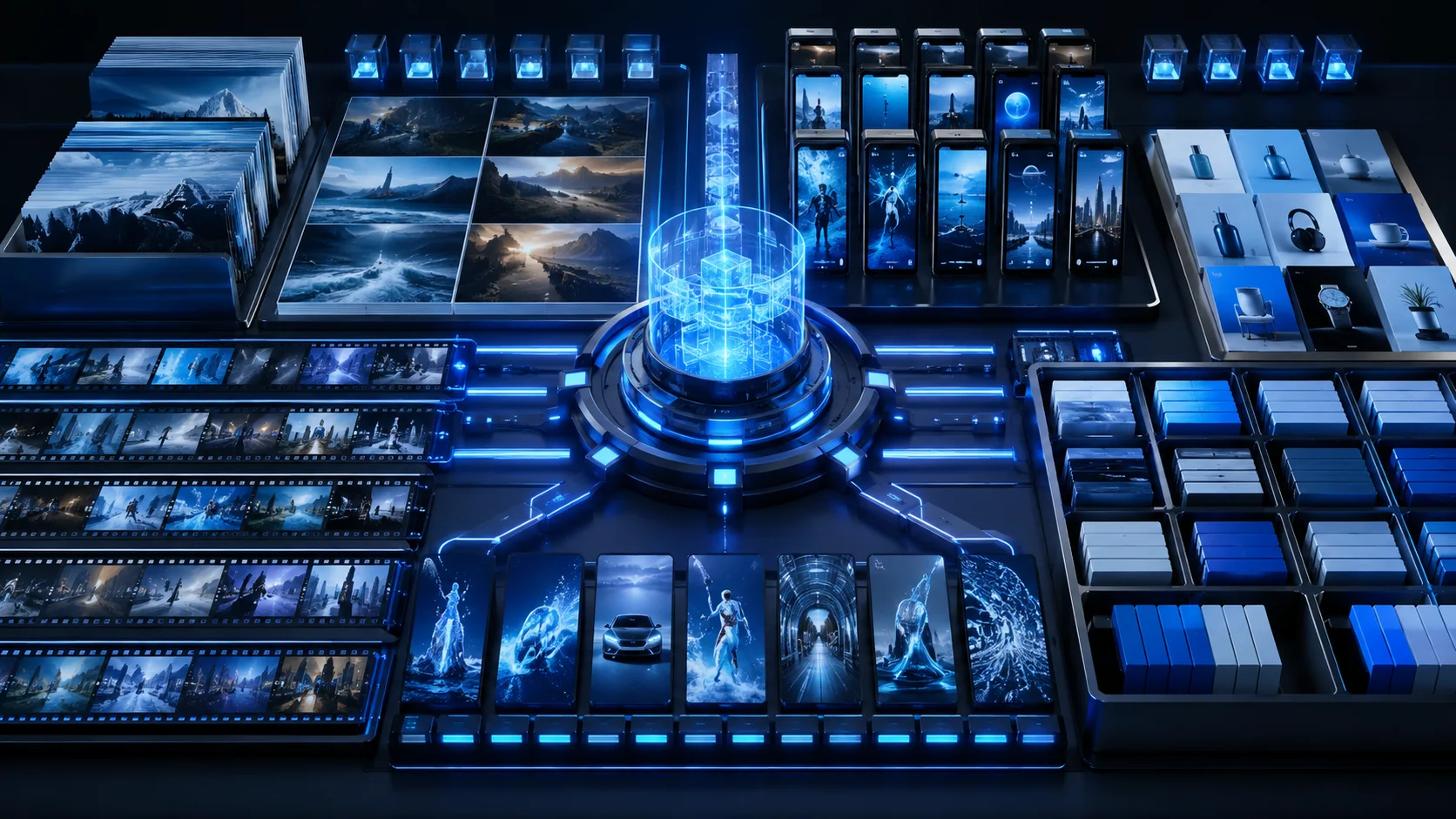
GenBatch is built for batch generation first. You bring a list of prompts, a CSV, a script, or rough notes. GenBatch turns that into queued image or video jobs, then lets you review and download the finished set.
The main advantage is workflow speed. Instead of generating one asset at a time, you submit the whole set and come back when the batch is done.
GenBatch is best for:
- B-roll clips for YouTube, ads, explainers, and social media.
- Product image variants and concept boards.
- Thumbnail and scene image batches.
- Prompt lists created with ChatGPT, Claude, Gemini, or another assistant.
- Project-based work where a monthly subscription would be wasteful.
| Day Pass | Credits | Price | Generations | Cost Each |
|---|---|---|---|---|
| Credit Top-upPopular | 100 | $5.00 | 25 | $0.20 |
2. API platforms
API platforms are powerful if you are building your own product or automation. They give developers more control over model routing, webhooks, retry logic, storage, and backend integration.
That control comes with overhead. You need code, error handling, authentication, billing management, and a UI if non-technical users need to run the workflow.
Use an API when you want to build infrastructure. Use GenBatch when you want the bulk workflow already packaged in a web app.
3. Midjourney-style image tools
Midjourney is strong for exploring a single visual direction. If your goal is to sit with one image and refine style, composition, and mood through iterations, it can be the better choice.
It is not designed around spreadsheet-style production. For bulk creative operations, you usually care about repeatability, prompt lists, exports, and filenames. That is where a batch tool fits better.
4. Runway, Sora, and direct video tools
Direct video generators are useful when you want deep control over one clip at a time. They often have strong model-specific controls and a polished creative interface.
For bulk production, the friction is different. If you need 40 ad variants or 120 B-roll clips, one-at-a-time generation becomes the bottleneck. GenBatch is designed for that higher-volume workflow.
5. ChatGPT plus a batch generator
One of the fastest workflows is to let ChatGPT write the prompt list and let GenBatch generate the assets.
Ask ChatGPT for 50 prompt rows, review the output, then paste or import the list into GenBatch. This separates thinking from rendering: ChatGPT handles ideation and structure, GenBatch handles production.
For a detailed prompt workflow, see how to use AI to generate image prompts for batch creation.
Feature comparison
| Feature | GenBatch | API platforms | One-off creative tools | |---|---|---|---| | No-code bulk workflow | Yes | Usually no | Usually limited | | CSV or prompt-list input | Yes | Custom build | Usually no | | Batch image generation | Yes | Yes, with code | Limited | | Batch video generation | Yes | Yes, with code | Limited | | Pay-per-use option | Yes | Often yes | Varies | | Best for single-image art direction | Good | Depends | Strong | | Best for custom app integration | No | Strong | No |
Recommendation
If you are asking "what is the best AI generator?" start with the model. If you are asking "how do I generate many AI images or videos at once?" start with the workflow.
GenBatch is the best fit when the project is a list: prompts, scenes, products, variants, clips, or rows. A creative one-off tool is the best fit when the project is one output that needs careful manual direction.
Generate the whole batch
Use GenBatch to turn prompt lists, CSV files, and ChatGPT output into bulk image or video generations.
See Pricing