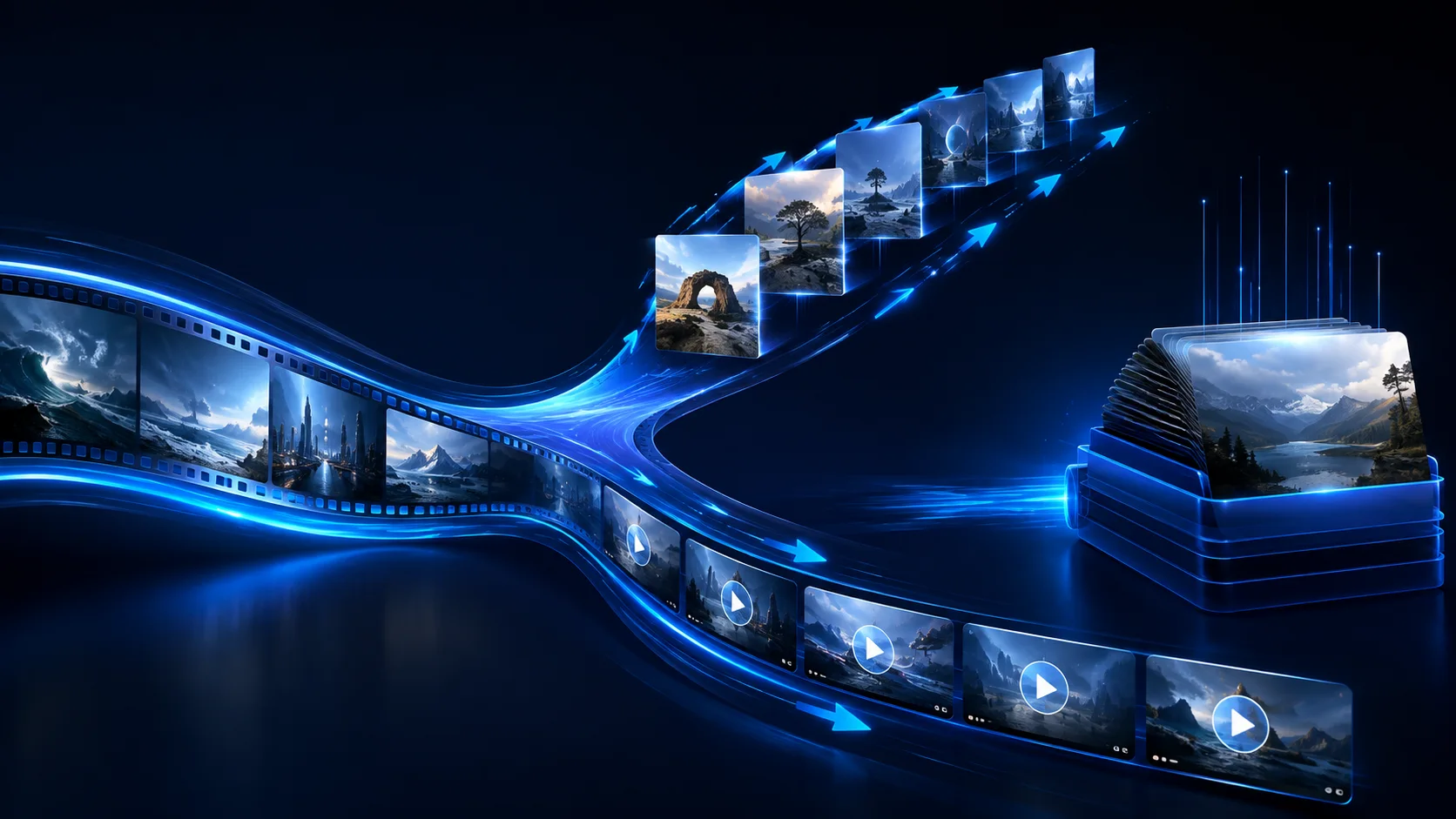
Runway, Sora, Midjourney-style tools, and GenBatch belong to different parts of the creative process. A direct creative tool helps you develop or refine an individual asset. GenBatch helps when an approved brief has become a list of visual deliverables.
Map the production stages
A typical project has four distinct stages:
- Direction: define the look, audience, format, and constraints.
- Planning: turn the brief or script into named image and video rows.
- Generation: produce the approved rows and retry weak items.
- Assembly: edit clips, add sound, captions, graphics, and final timing.
GenBatch focuses on planning-to-generation. It is not a timeline editor, compositing suite, or one-image-at-a-time creative canvas.
When batch generation is the better fit
Use it when you can describe the required set before generation begins. Examples include a 20-scene storyboard, product visuals in several aspect ratios, B-roll prompts for a narration, or a repeatable CSV exported from a content system.
A batch workflow is less helpful when every next step depends on manually inspecting and transforming the previous output. Keep that work in an interactive editor until the pattern is stable.
Build one source of truth
Use a spreadsheet or CSV with stable IDs, media type, prompt, aspect ratio, and review notes. For video, separate the visual setup from motion instructions. For image-to-video rows, confirm that every source image is accessible and paired with the correct scene.
Test across the range
Choose a representative sample rather than the first few rows. Include a close-up, wide shot, recurring subject, complex motion, and any scene that must match another asset. Record the settings with the output so a good test can be reproduced.
Once approved, submit the remaining rows and review the results as a set. Look for missing coverage, repeated camera choices, continuity drift, and filenames that no longer match the edit plan.
GenBatch supports prompt-list and CSV production through the web app, hosted MCP server, and REST API. Credits are charged only for successful generations. Current models, costs, and pass terms are on pricing.