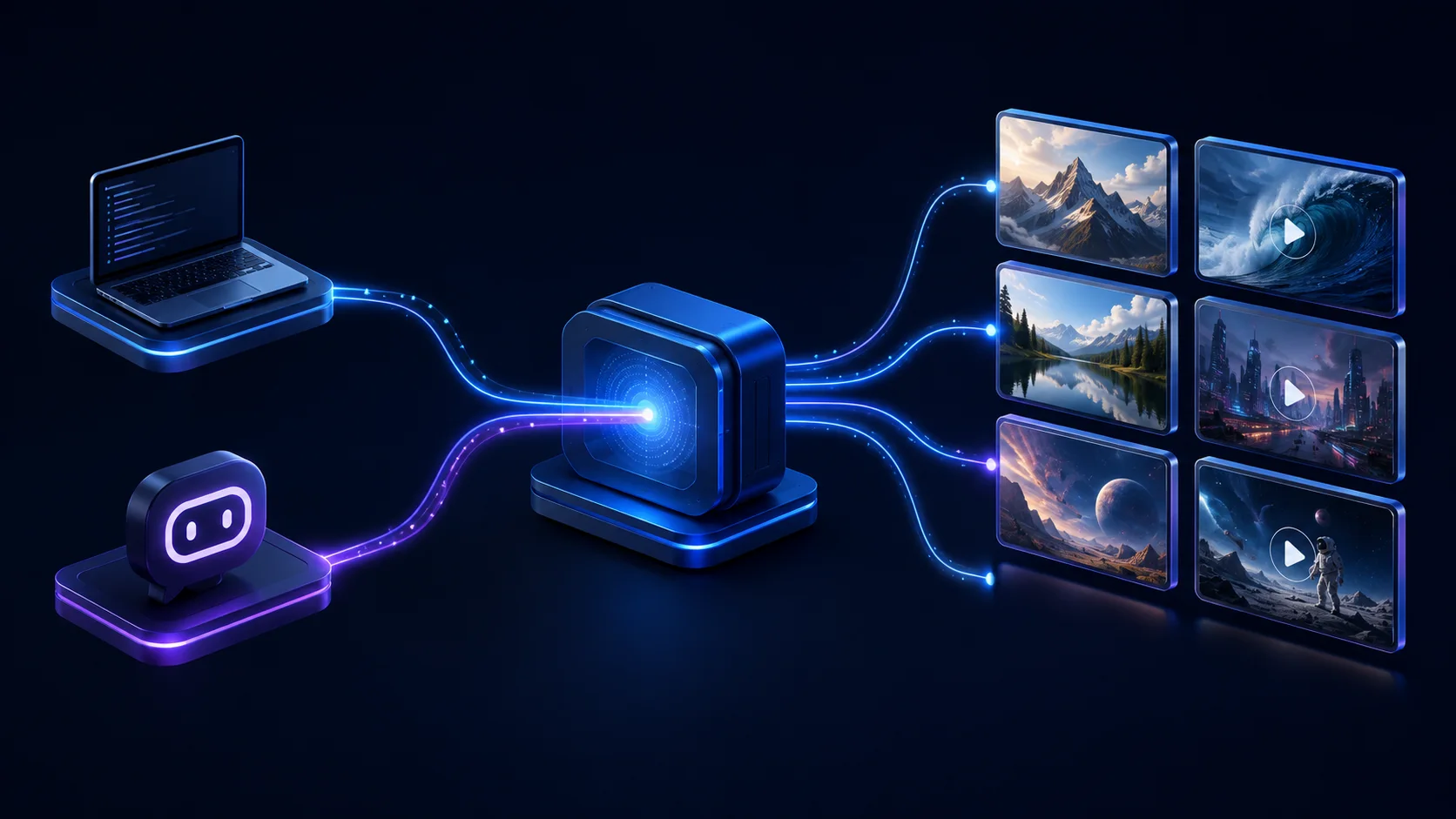
Most AI image and video generation MCP servers do one thing: they hand your assistant a single "make an image" tool. GenBatch hands it a whole studio. One connection gives your assistant bulk image generation, bulk video, image-to-video animation, and the ability to check and top up its own credits, all from one hosted endpoint with nothing to install. You pay per generation, not per month.
That breadth is the point of this guide. Below is every tool the server exposes, how the pieces chain together, why it comes out cheaper than the usual setup, and how to connect it in about a minute.
Key points
- One server, many jobs: images, video, image-to-video, and credit control through a single endpoint.
- Bulk by default: up to 50 images or 20 video clips in one call, grouped as one GenBatch folder.
- Cheaper by design: no subscription, pay-on-success (failed jobs are free), and no second model-API bill.
- One key, two surfaces: the same
gbm_key drives both the MCP server and the REST API.
What can the GenBatch MCP server actually do?
It exposes eight tools, and together they cover the full loop of making, checking, and paying for generated media. This is the "so many things" part: your assistant is not limited to one image at a time, and it is not limited to images.
Notice what is not here: no separate app to open, no model key to manage, no download-and-reupload step between making an image and animating it. The assistant does all of it in the conversation.
How is this different from other image and video MCP servers?
The common ones are hosted, OAuth-secured, and generate images and video too. So on the surface they look similar. The difference shows up in three places: how much you can do per call, how you pay, and whether the server can manage its own budget.
We built it this way because bulk is the reason people reach for GenBatch in the first place. A tool that makes one picture per request is fine for a mockup. It falls apart the moment you want 40 product shots or a set of clips, and that is exactly where the batch tools earn their place.
Is GenBatch really cheaper?
Yes, and the saving is structural, not a temporary promo. Three things keep the cost down.
First, there is no subscription. You buy credits and spend them on generations, so a slow month costs you nothing. Passes start at $0.99, an image is 1 credit, and a video is 2 credits.
Second, billing is pay-on-success. Credits are checked upfront but only deducted after a generation actually succeeds. If a job fails, you are not charged. Run the same prompt through a raw model API and you often pay for the failed call anyway.
Third, there is no second bill. Self-hosted image and video MCP servers expect you to bring your own OpenAI, FAL, or Replicate key and fund it separately, on top of whatever you pay to keep the server running. GenBatch is one line item: your credits.
If your balance is too low, the request comes back with a clear message and nothing is charged. Your credit balance, not a hidden quota, is the real spending cap.
Can one assistant generate images and then animate them into video?
Yes, and it is the clearest example of the breadth. Because frames_to_video takes a public image URL as its start frame, and check_job returns exactly those URLs, the two tools chain with no glue on your side.
The flow inside a single conversation looks like this:
Generate the images
Ask for a batch, for example "make 6 product shots of a matte black bottle." The assistant calls generate_image and gets a job_id.
Read the URLs
It polls check_job until the job is ready, which returns the image URLs in files and a gallery_url.
Animate them
It feeds those URLs into frames_to_video as start frames, one clip each or a whole items[] batch, and polls check_job again for the finished videos.
No file ever leaves the conversation. That is a workflow most single-purpose image MCP servers cannot do at all, because they never expose a video tool or a way to hand one tool's output to the next.

How does bulk generation work through one call?
Through the items[] argument. Instead of firing one request per prompt, you pass an array, and the whole thing becomes a single GenBatch job that lands in one folder.
For images, items[] takes up to 20 distinct prompts and 50 images total, each prompt with its own copy count. For video, it takes up to 20 clips, each with its own frame and prompt. When the job finishes, check_job returns a gallery_url for the batch and, for image jobs, an images grouping so results stay organized per prompt.
This matters for cost and for sanity. One call means one credit check and one folder to open, instead of 20 loose requests you have to track by hand. It is the same batch pipeline the GenBatch web app uses, so a run you start from Cursor shows up in your dashboard like any other batch.
Can the assistant manage its own credits?
It can, and few other servers allow this. get_balance lets the assistant read both credits and wallet balance, list_credit_packages shows what it can buy, and buy_credits_from_balance purchases a package using existing wallet funds.
Put together, that means an assistant working through a long batch can notice it is running low, tell you, and top up from your wallet balance without you leaving the chat. Wallet purchases are rate-limited to a few per window as a guardrail, so this is a convenience, not a way to drain an account by accident.
How do you connect GenBatch as an MCP server?
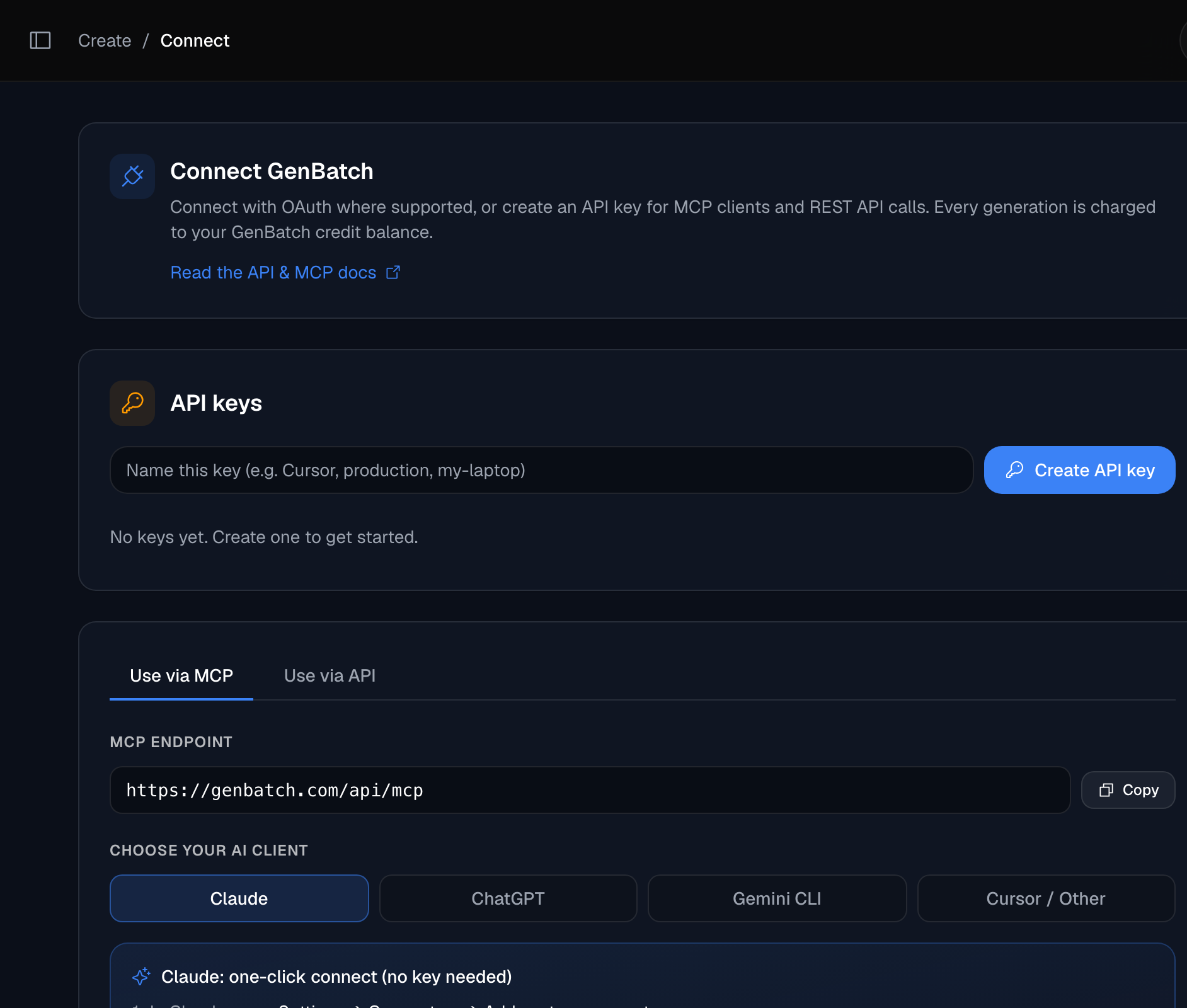
Pick an auth path, add the remote server at https://genbatch.com/api/mcp, then ask for media. The server name is genbatch.
Choose your auth path
In Claude, use the login connector: paste the endpoint, sign in to GenBatch, approve access, no key needed. In ChatGPT, use a developer-mode connector. For Gemini CLI, Cursor, the MCP Inspector, custom clients, or the REST API, create a gbm_ key at /connect. It is shown once, so copy it.
Add the remote MCP server
Point your client at https://genbatch.com/api/mcp. For Gemini CLI: gemini mcp add --transport http --header "Authorization: Bearer gbm_your_key" genbatch https://genbatch.com/api/mcp. For other manual clients, set the header Authorization: Bearer gbm_your_key.
Ask for images or video
Say what you want, for example "generate 8 square thumbnails, then animate the best three into 5-second clips." The assistant calls the right tools and polls check_job until everything is ready.
If you want the Claude-specific walkthrough, see our guide on generating images in Claude. For the image-only overview of the hosted server, see image generation MCP server.
Can I use it from my own code instead?
Yes, with the same key. The gbm_ value you create at /connect works for the REST API too, so you can script the exact tools the assistant uses.
curl -X POST https://genbatch.com/api/queue/submit \
-H "Authorization: Bearer gbm_your_key_here" \
-H "Content-Type: application/json" \
-d '{
"type": "create-image",
"requestData": {
"prompt": "a red fox in snow",
"number_of_images": 1,
"aspect_ratio": "1:1",
"image_model": "gpt_image_2"
}
}'
Submit returns a job id. Poll GET /api/results/<id> until the status is completed, and the URLs come back in result_data.files[]. Video works the same way with a type of text-to-video or frames-to-video. The full endpoint list, parameters, and error codes are in the GenBatch image generation API reference. If bulk video is your target, our guide on generating multiple AI videos at once covers the batch workflow.
Connect your image and video MCP server
One key, one endpoint. Generate images, video, and image-to-video from Claude, ChatGPT, Gemini CLI, Cursor, or your own code.
Open ConnectFrequently asked questions
What can the GenBatch MCP server do beyond generating images?
It exposes eight tools: generate images (single or bulk), text-to-video, image-to-video, job polling, two balance reads, a credit-package list, and a wallet purchase. So one connection covers image generation, video generation, animating an image into video, and letting the assistant check and top up its own credits.
Is GenBatch cheaper than other image and video MCP servers?
Structurally, yes. There is no subscription, so you pay only for what you generate. Billing is pay-on-success, so failed generations cost nothing. And you never fund a separate model API key on top, the way self-hosted MCP servers make you. Credit passes start at $0.99, images cost 1 credit, and videos cost 2 credits.
Can one assistant generate images and then turn them into video?
Yes. generate_image returns image URLs through check_job, and you pass any of those URLs straight into frames_to_video as the start frame. The whole image-to-video chain runs inside one conversation with no downloads or re-uploads.
Do I need an API key, or can I connect without one?
Claude can connect through a login-based connector with no key. ChatGPT uses a developer-mode connector. Gemini CLI, Cursor, the MCP Inspector, and any manual client use one gbm_ key from /connect, and that same key also works for the REST API.
How much can I generate in a single call?
For images, up to 20 different prompts and 50 images total in one items[] batch. For video, up to 20 clips in one items[] batch. Each batch stays grouped as one GenBatch folder you can open from check_job.gallery_url.
Which image models can it use?
You can pick gpt_image_2 (the default) or nano_banana_2, and set the aspect ratio to 16:9, 9:16, 1:1, 4:3, or 3:4.
Generate from where you already work
Add GenBatch to Claude, ChatGPT, Gemini CLI, Cursor, or your MCP client and generate images and video from one key.
Get started