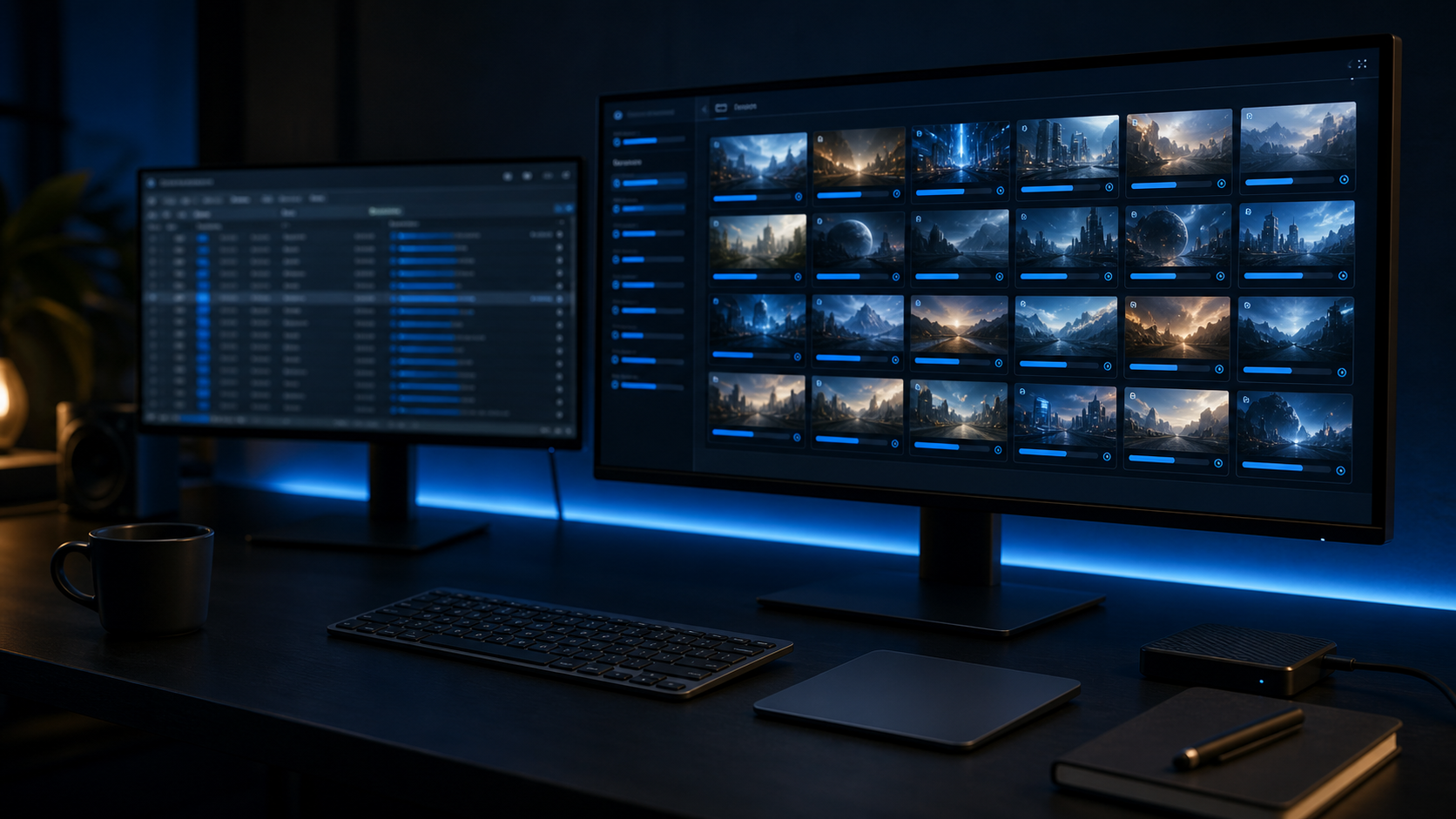
ChatGPT and Claude are good at writing prompt lists. GenBatch is built to run those lists.
That separation is useful. Let the assistant do the thinking and structuring, then use a batch generator for production. This avoids the slow loop of asking for one image, waiting, saving it, and repeating the same process dozens of times.
The workflow
- Ask ChatGPT or Claude to create a structured prompt table.
- Review the rows for duplicates, vague wording, and style drift.
- Paste or import the prompt list into GenBatch Bulk Visuals.
- Generate the images as a batch.
- Review the results and download the set.
This is especially useful for YouTube thumbnails, B-roll stills, product visuals, concept boards, and social ad variants.
Prompt ChatGPT for rows, not paragraphs
The best output is structured. Ask for rows that can move directly into a batch workflow:
Create 60 image prompts for [project].
Return a table with columns: id, prompt, aspect_ratio, copies.
Use one consistent visual style across every row.
Each prompt should be specific enough to generate directly.
Do not include explanations after the table.
If you are using Claude, the same prompt works. Claude is often strong when the list is long or when you need strict consistency across many rows.
Good prompt rows have three things
| Element | Why it matters | |---|---| | Clear subject | The model knows what the image is about | | Shared style rules | The batch looks like one project, not random outputs | | Production label | You can match outputs back to the plan |
Without structure, a 60-image project becomes messy fast. With structure, you can review the batch like a production board.
When to use GenBatch instead of ChatGPT image generation
Use ChatGPT image generation when you want one image and a conversation around edits. Use GenBatch when the work has become a list.
| Task | Best tool | |---|---| | Explore one hero image | ChatGPT or another chat image tool | | Write 80 consistent prompts | ChatGPT or Claude | | Generate 80 prompt rows | GenBatch | | Review and download a set | GenBatch |
The tools fit together. ChatGPT or Claude prepares the job. GenBatch runs it.
Example use cases
- A YouTube creator asks Claude for 50 B-roll still prompts from a script.
- An ecommerce operator asks ChatGPT for product lifestyle scene prompts.
- A marketer asks ChatGPT for ad creative variants by audience angle.
- A designer asks Claude for consistent concept-board image prompts.
For more detail on prompt preparation, read AI prompts for batch image generation.
Turn prompt lists into image batches
Paste ChatGPT or Claude output into GenBatch and generate the full set in one workflow.
See Pricing